What's new · 30 September 2026
Collections and share links
Three additions since launch: you can file drills into collections, and you can send a session plan or a single drill to anyone as a link. The smaller changes are at the bottom.
Collections in the drill library
Season kit
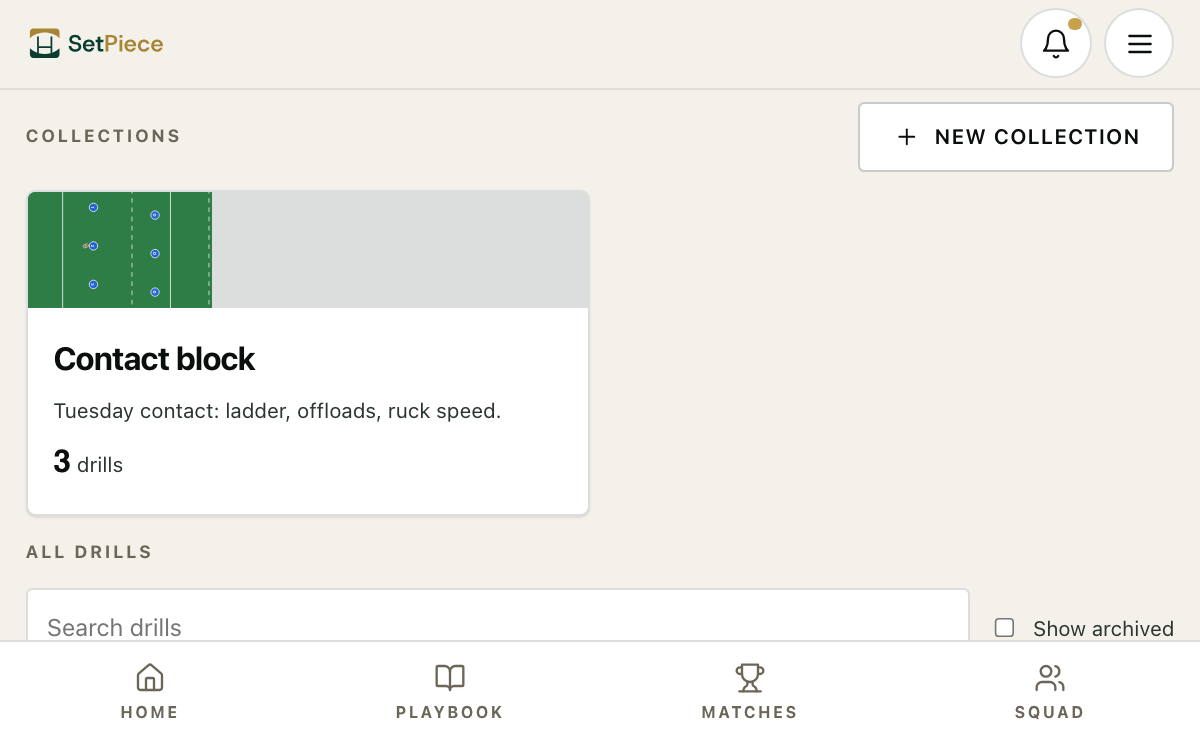
Adding a drill to a session now filters by collection, so you pick from the drills that fit the block instead of scrolling the whole library. A collection is a named set of drills from your library: a block, a unit, a theme. Make one on the Drill library page and add drills to it there, from a drill's own page, or from the drill drawer. A drill can sit in more than one collection. Deleting a collection leaves the drills where they are.
Try it
- Open Drill library and press New collection.
- On the collection's page, press Add drills and pick the ones that belong.
- In a session, press Add drill and filter by collection.
Share a session as a link
Season kit
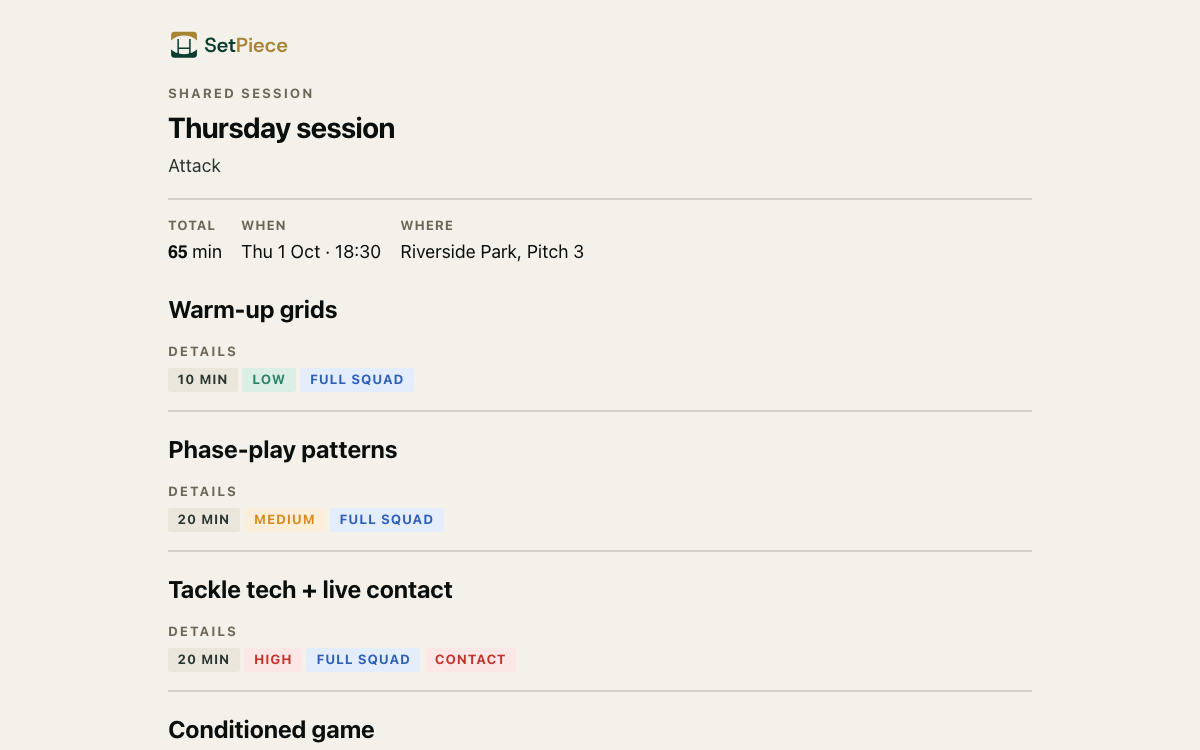
Your assistants, and anyone else you choose, can now read the session plan on their phone before training, no account needed. Press Share on a session and you get a link, a QR code and a Stop sharing button. Whoever opens the link sees the plan: drills, timings, descriptions, diagrams, reference videos and images, and the date and venue. Your notes, reviews, players and team name stay private. Stop sharing and the link dies at once.
Try it
- Open Sessions and pick a session.
- Press Share, then Create link.
- Copy the link, or Download QR for the whiteboard.
Send a drill to anyone
Season kit
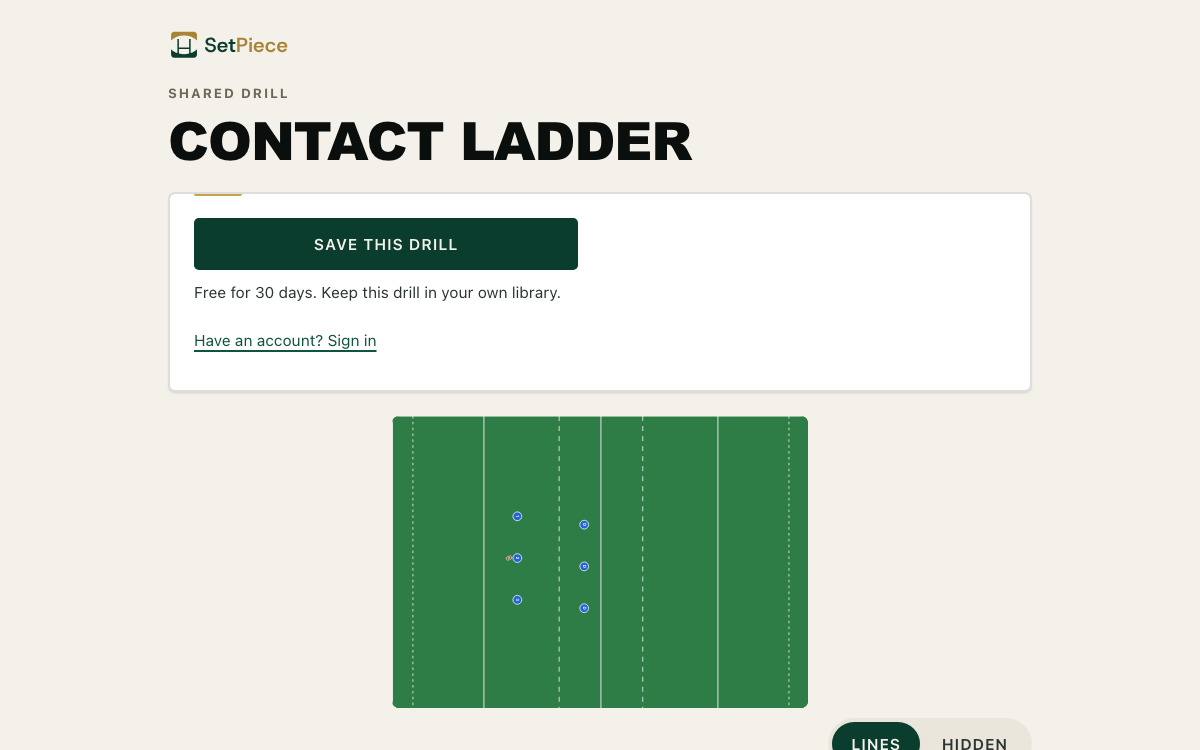
A drill you've built can now go to anyone as a link: a player, a parent, a coach at another club. They see the drill, its diagram and its reference videos and images without signing in. A coach who opens it can save a copy into their own library with one press, with a sign-up on the way if they don't have an account yet. Nothing about your team, players or sessions travels with it. Share from the drill's page, or from the drill sheet in the planner.
Try it
- Open Drill library and pick a drill.
- Press Share, then Create link.
- Send it. A coach who opens it can press Save to my library.
Also improved
- The drill page now plays its animation and reference videos, and you add links and images from the edit form.
- Instagram posts, YouTube Shorts and TikTok links work as reference videos, TikTok app short links included.
- Drill library cards lead with the drill's animation or first video, and play on hover.
- Playbook cards are the play itself, framed on the action, and run on hover.
- Every library has a Water drill, and water breaks show faint blue on the session sheet.
- Bench rows read "Covers Front Row" or "Covers Backs" from the player's own positions, so there's nothing to pick.
- Move up and Move down buttons in a drill's edit sheet, for reordering without a drag.
- Two coaches can work on one session: tabs catch up on their own, and clashing saves merge field by field.
Fixed
- Scrolling with a thumb on the drag handle no longer reorders drills on a phone. Hold to drag instead.
- Reference images on a drill's page now load in the live app.
- The community drill page's button for signed-in coaches lands on your library instead of a dead link.